Organizations, Members, and Roles
Organizations, projects, team members, and role management
Organizations
An organization is the top-level account that owns all interviews, questions, and sessions. When you sign up, Aural creates a Personal organization for you automatically.
You can create additional organizations (e.g., one per company) and switch between them from the sidebar breadcrumb.
Projects
Each organization can have multiple projects. A project groups interviews and questions under a common scope — such as a department, role family, or hiring wave. Switch projects from the same breadcrumb.
Example
Organization "Acme Corp" might have projects "Engineering Q1" and "Product Internships."Members
Go to Organizations > Settings > Members to see who has access.
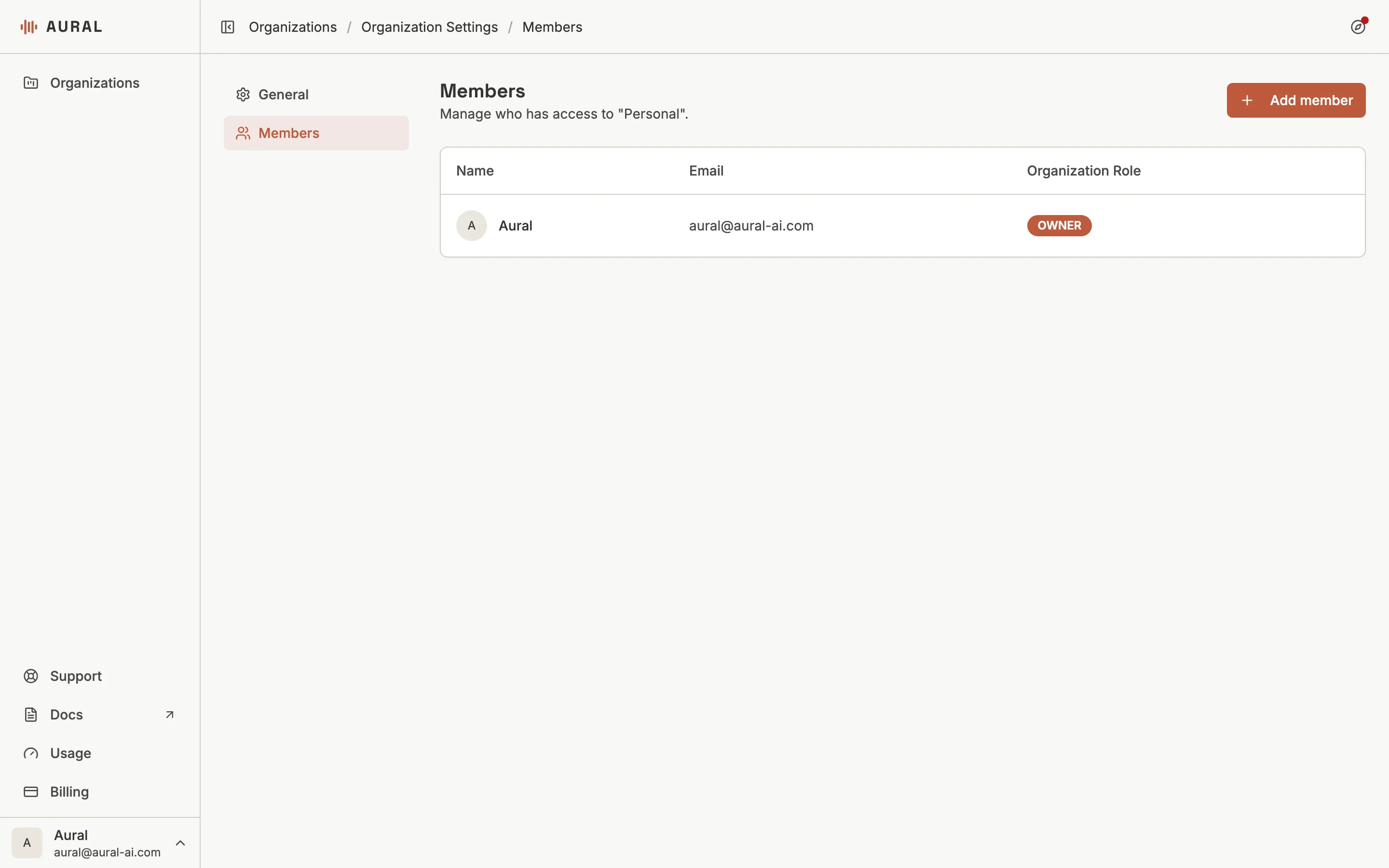
Click + Add member, enter the person's email address, and choose a role. If they don't have an Aural account yet, they'll receive an invitation.
Roles
- Owner — full access including member management and deletion
- Admin — can manage interviews, questions, members, and settings
- Member — can create and edit interviews, view results, and manage questions
You can change a member's role or remove them from the members table at any time.