AURAL
⌘K
For Everyone
Account and Security
Profile settings, password management, and data privacy
Profile Settings
Access profile settings from the account menu to update:
- Display name — shown in the dashboard and on shared interviews
- Email — used for login and notifications
- Avatar — upload a JPEG or PNG profile picture
- Preferences — notification settings, language, and timezone
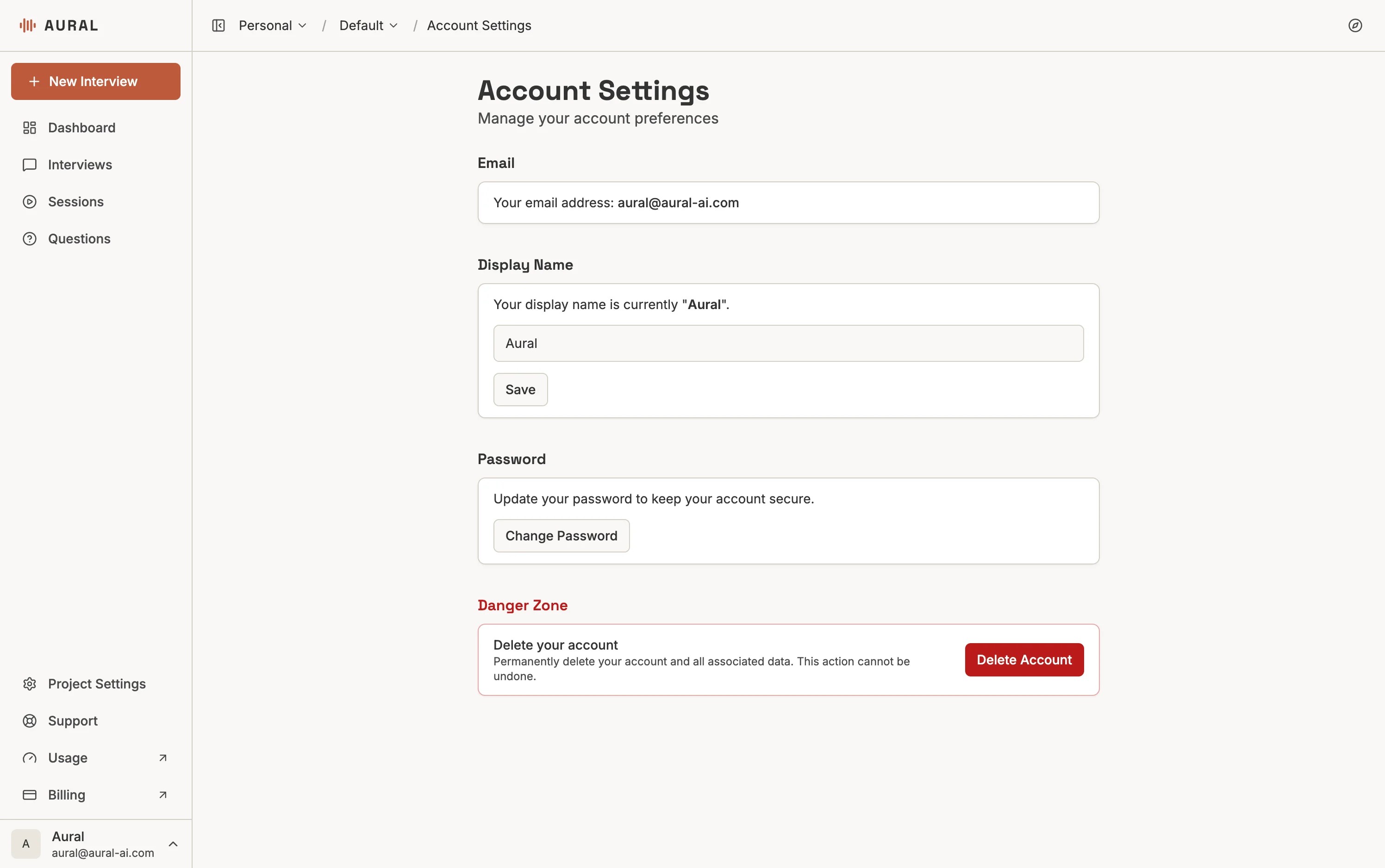
Password Management
Go to account settings, click "Change Password", then enter your new password twice. Use a strong password with a mix of letters, numbers, and symbols.
Data Privacy and Security
- Storage — data is stored in Supabase with Row Level Security (RLS), ensuring users can only access their authorized data
- Encryption — all data is encrypted in transit (TLS) and at rest. Passwords are hashed.
- Access control — database access is restricted and audited
Learn more: Privacy Policy · Security · Cookie Policy