AURAL
⌘K
For Everyone
Account and Dashboard
Sign up, set up your organization, and navigate the dashboard
Sign Up
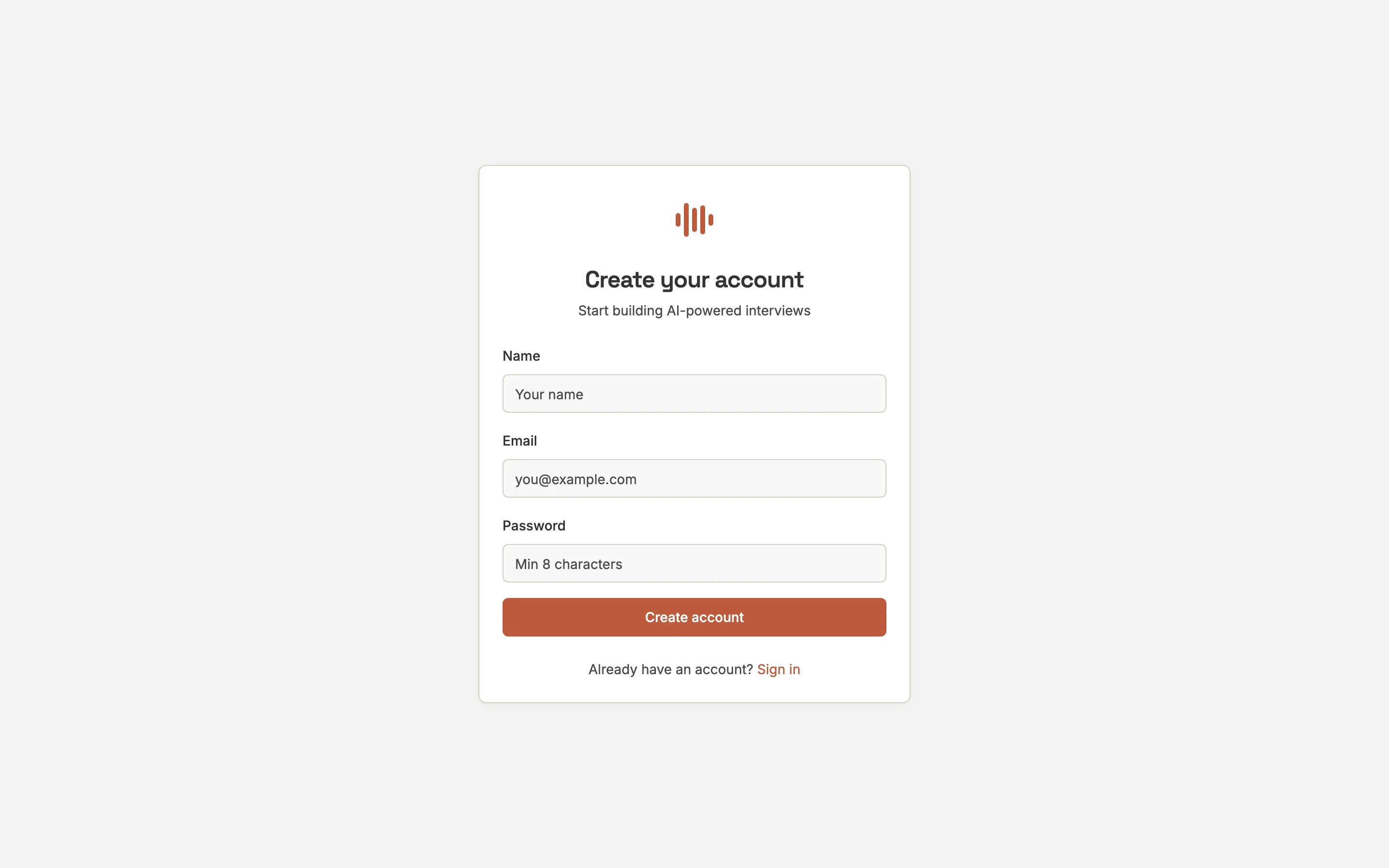
Go to /register and enter your name, email, and password.
1
Create or Join an Organization
Organizations group your projects and team members. Create one or join an existing one via invite link.
2
Create Your First Project
Projects contain your interviews, sessions, and question library.
Dashboard
The dashboard is your home screen — it shows activity metrics, recent sessions, and quick actions.
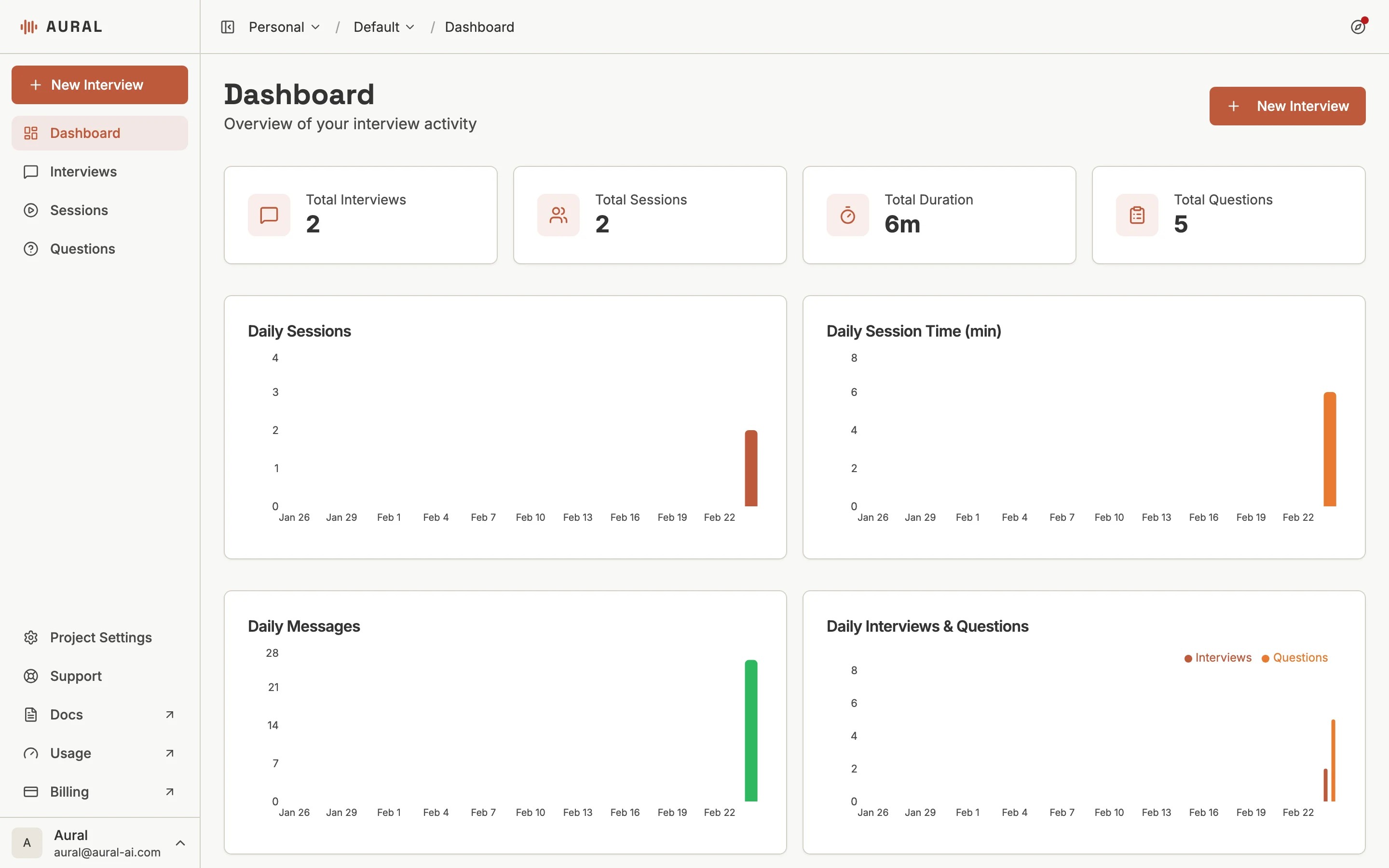
Sidebar Navigation
- Dashboard — Activity overview, recent sessions, and quick actions
- Interviews — Create and manage interview templates
- Sessions — View and track individual interview sessions
- Questions — Browse and reuse your question library
Organization Pages
Organization-level pages are accessible from the sidebar:
- Usage — Monitor AI tokens, session hours, and template usage
- Usage — Monitor your resource consumption
Switching Projects
Use the project selector at the top of the sidebar to switch between projects. Each project has its own interviews, sessions, and settings.